At a glance
Choose your limits, preview the sessions and save only after reviewing the dates. Strength shares your calendar; its minutes stay separate from running.
Find it in VOXXPlan → Support your running → Strength
A running plan with strength training needs one clear week. In VOXX, optional introductory strength sessions sit beside your accepted runs in Plan. You choose experience, equipment, time and frequency; VOXX proposes suitable dates. Running and strength keep their own instructions, feedback and completion records, even when they share a day.
Step by step
Choose your limits
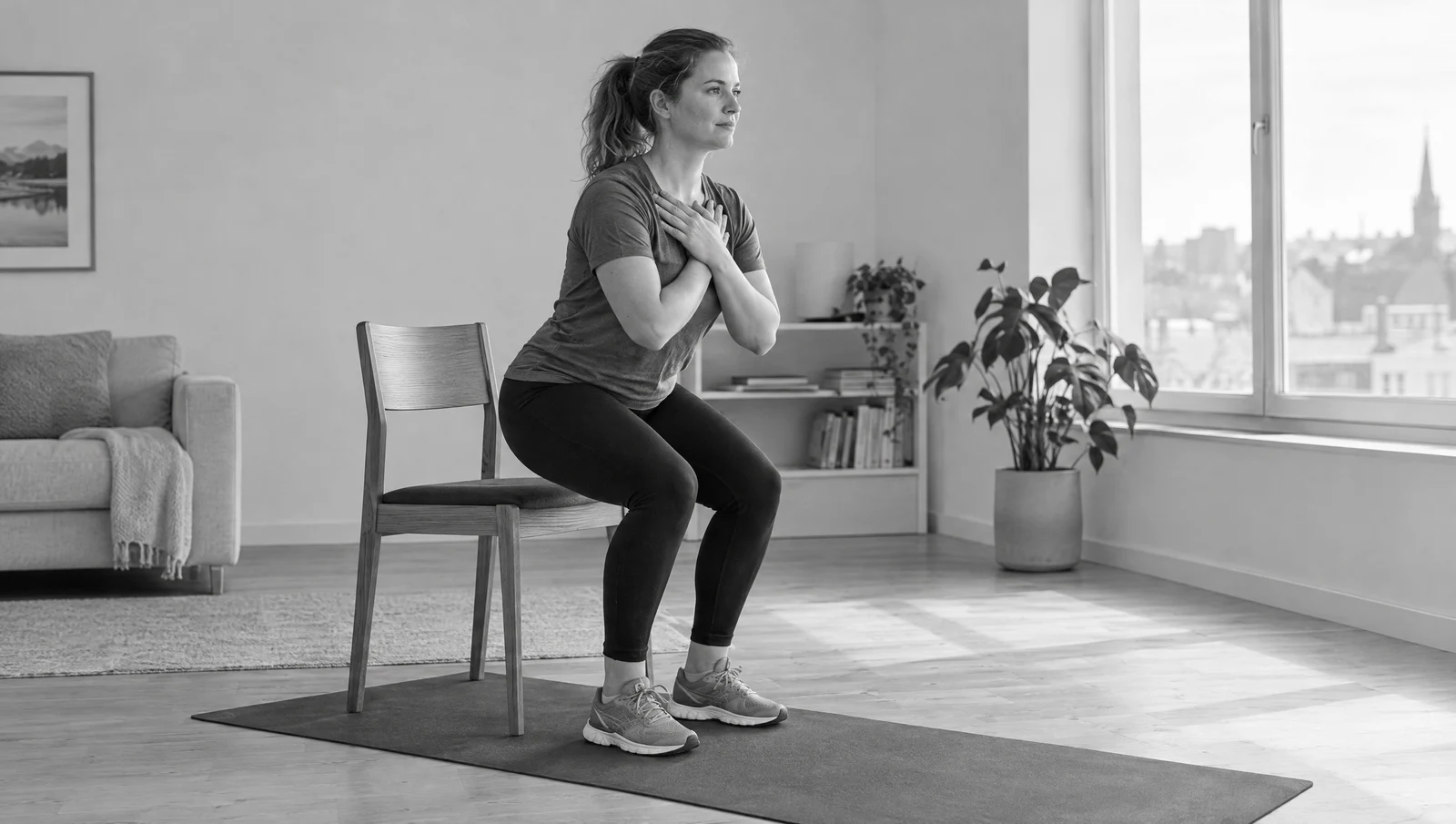
Open Strength under Support your running in Plan. Select your strength experience, equipment, a 10- or 20-minute limit and a maximum of one or two sessions in seven days. These are app choices, not a recommendation for your individual training. Time includes a gentle start and rests. The routine uses a stable chair and wall; the light-weight option belongs to the 20-minute setup.
Preview the actual dates
Choose Preview sessions. Read the number of sessions, limits and dated entries before saving. VOXX looks for room around accepted running and recovery. An eligible easy-run day is preferred, with running first; a separate suitable day may fit instead. Fewer sessions than your maximum, or none, may fit. Open Preview the exercises to inspect the routine.
Save the proposal you reviewed
Choose Add these strength sessions to put the displayed routines in Plan. Previewing alone adds nothing. Back to setup keeps the draft available to edit. If strength is already scheduled, the replacement notice and Save strength changes explain that the proposed setup replaces planned strength sessions. If no sessions fit, Save preferences remembers the setup without adding work.
Follow the movement cards
Open the routine from Today or Plan. Read instructions, view available demonstrations and choose easier alternatives when needed. You can save partway through or finish early. A time limit is not a requirement to fill every minute.
Record what you did
Save actual minutes, effort and pain, then add next-day soreness when available. Partial work still counts as work. Completed routines appear in recent activity and Progress, with strength context kept separate from running totals.
What adding strength changes
Saving a strength preview adds supporting routines around the accepted running schedule; it does not rewrite that running plan. The calendar shows both types of session. Opening a preview is not acceptance, and a maximum of two strength sessions does not guarantee two suitable dates. Change strength setup lets you review a different proposal. Cancel changes returns to the saved setup.
Example: check the calendar before saving
Invented app workflow, not an individual training plan. Jo has an accepted running week and wants to inspect optional strength. Jo selects the equipment and time limits that are practical, then chooses Preview sessions. The preview offers fewer routines than the selected maximum. Jo checks the dates and exercises before adding them. If the dates do not work, Jo returns to setup without saving. The example promises no particular schedule, training dose or result.
Strength affects recovery without becoming running
Reported hard effort, pain or soreness can support a more cautious running review. Strength minutes remain separate from running volume. Small progression depends on completed, comfortable sessions and follow-up feedback; weights do not automatically increase.
Know the scope
This is an introductory general routine, not advanced lifting, individual rehabilitation or a promise of injury prevention. Professional and injury-return plans retain their own guidance. Wearable strength records are not automatically paired with these VOXX routines or counted in their specific completion total.
VOXX is in private iPhone beta. Features and screen labels may differ between testers.
Something unclear? Tell the VOXX team.